
How to send posts for approval
Go to Publish, New Content, choose "Send for Approval"
For a detailed guide on how to create a post in Publish click here.
Step 1: Access the Publish panel
Step 2: Press "+ New" and then "Create post"

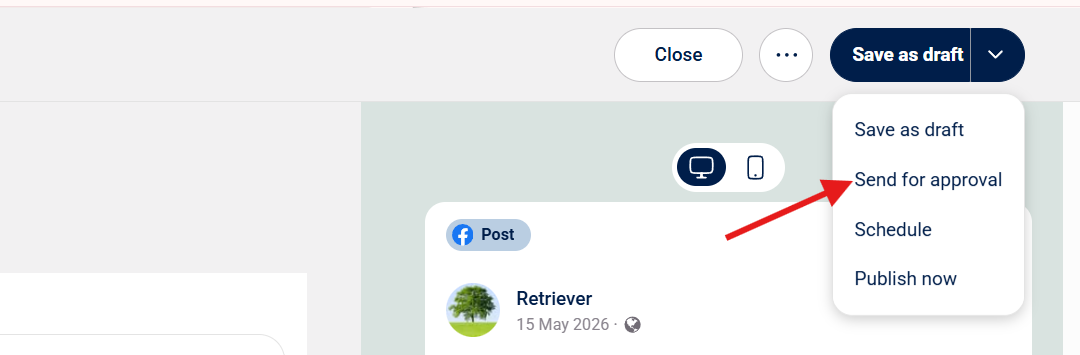
Step 3: After creating your content, press the drop down menu --> Choose "Send for Approval"
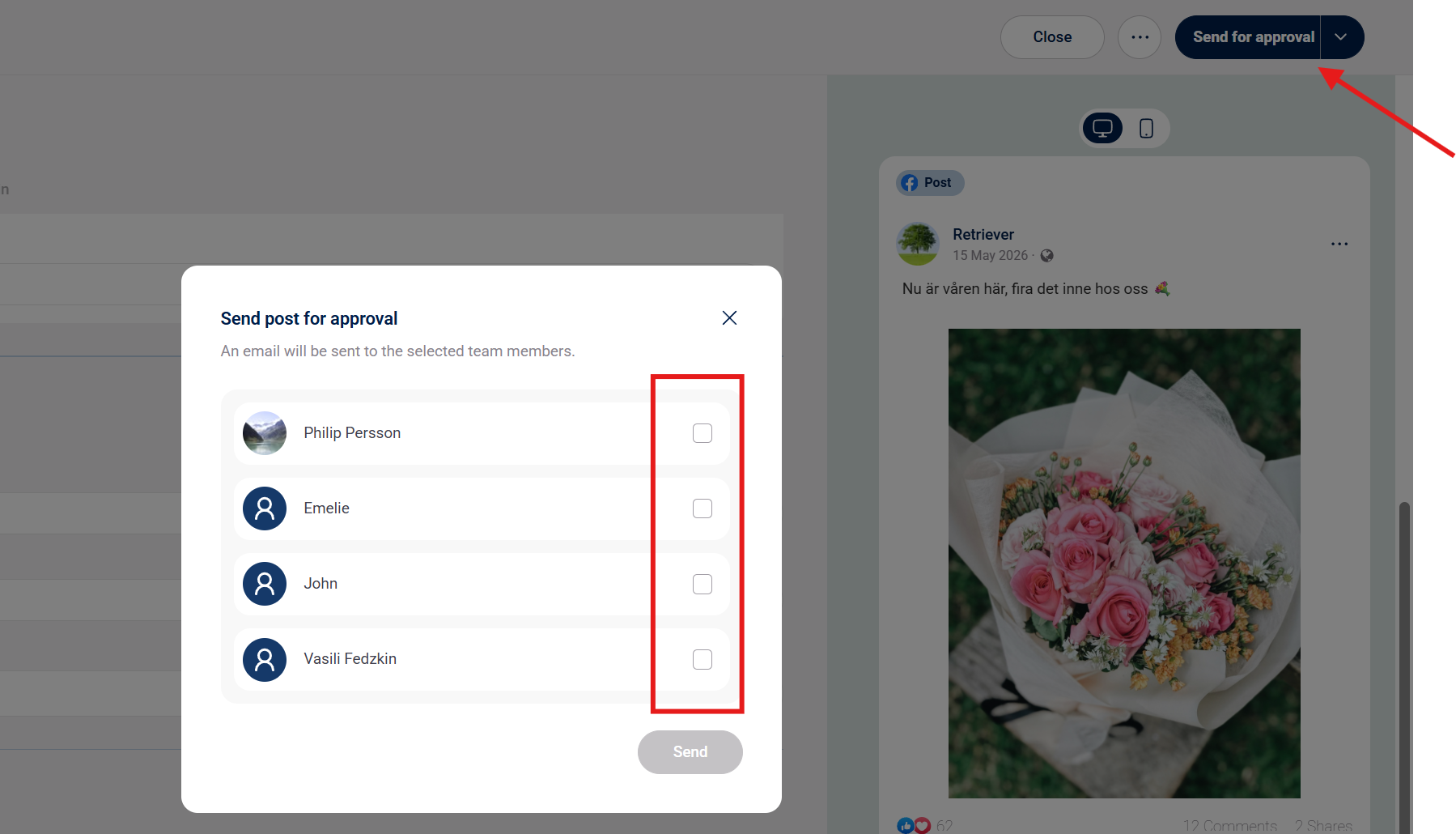
Step 4: Press "Send for Approval" and choose the team member you want to send the approval to
Step 5: Enter the date for publishing --> Press "Send for approval" again and the post is created.
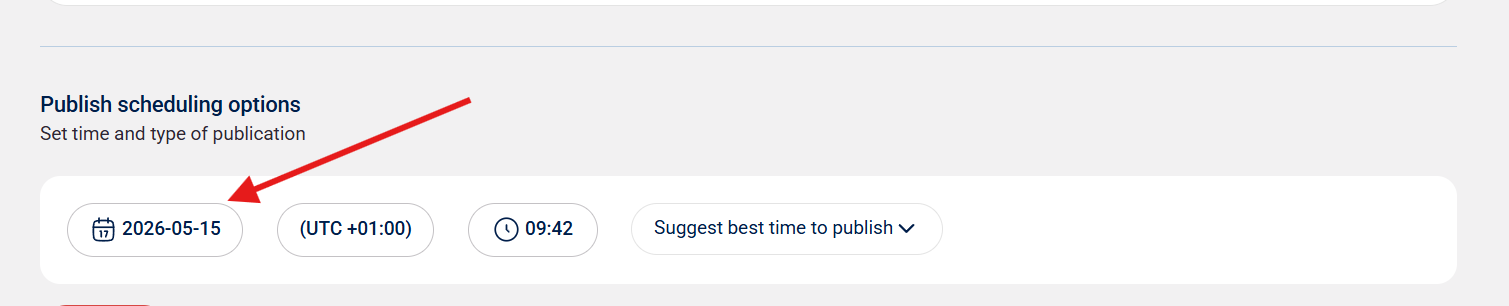
Obs: If the post is not approved before the set time of publishing the post will automatically be rejected.