
Retriever Mobile App
Retriever’s new mobile app, currently available in English only, gives you access to both editorial and social media by logging in with your Retriever credentials.
The app keeps you up to date with the latest news wherever you are. You can set it to notify you whenever new articles or mentions appear in your media monitoring. Through the app, you can also easily access the Retriever portal and other articles in this Knowledge Base.
Here’s how to get started
Download the “Retriever I Media Monitoring” app from the App Store or Google Play.
Log in with your Retriever credentials.
At the bottom of the screen, you will find the menus you can use to navigate the app. The start page is always the editorial media section, provided this is included in your organisation’s agreement. Next to it, you will find icons for social media monitoring, also subject to your agreement, activities and account settings.
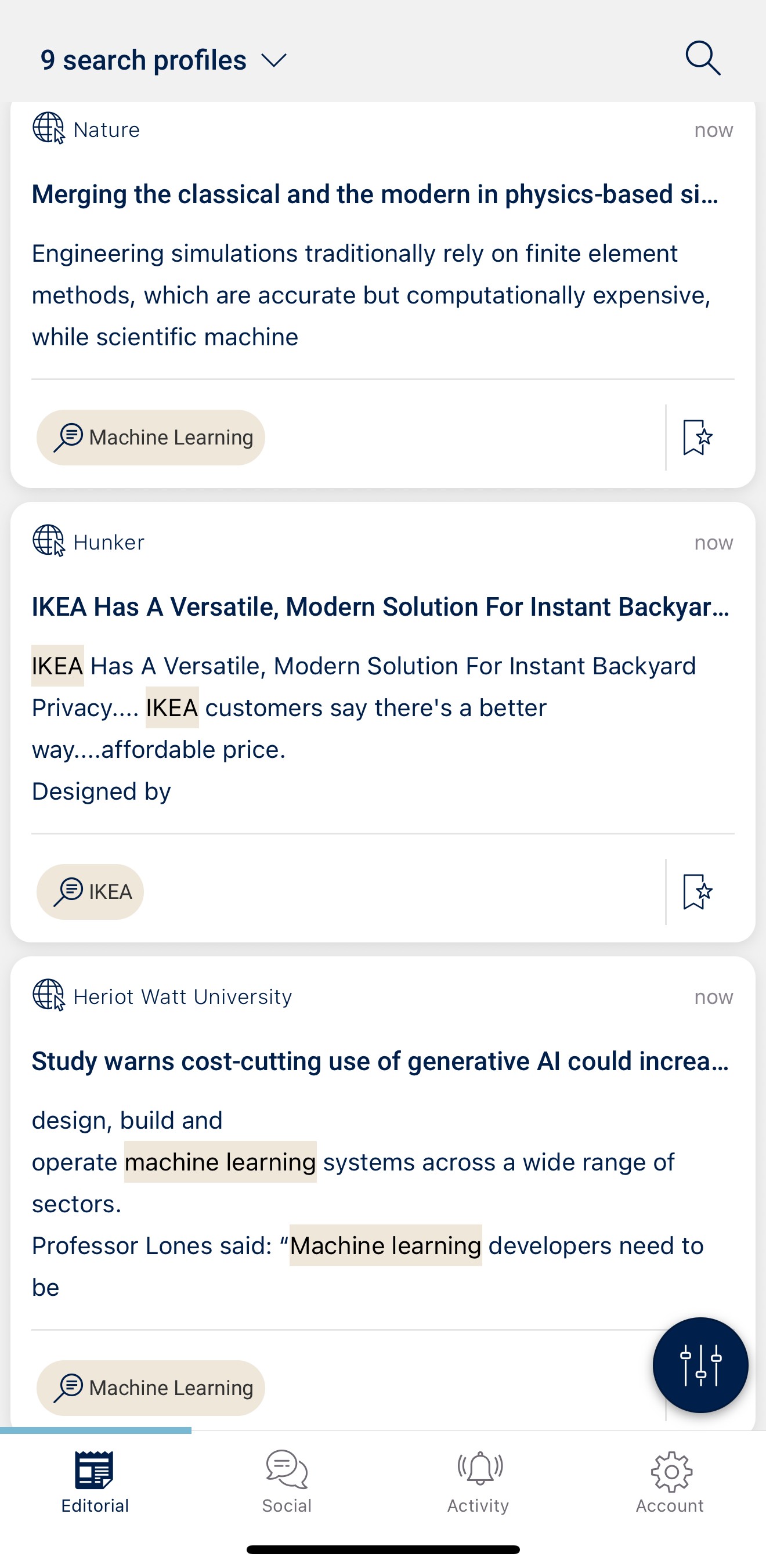
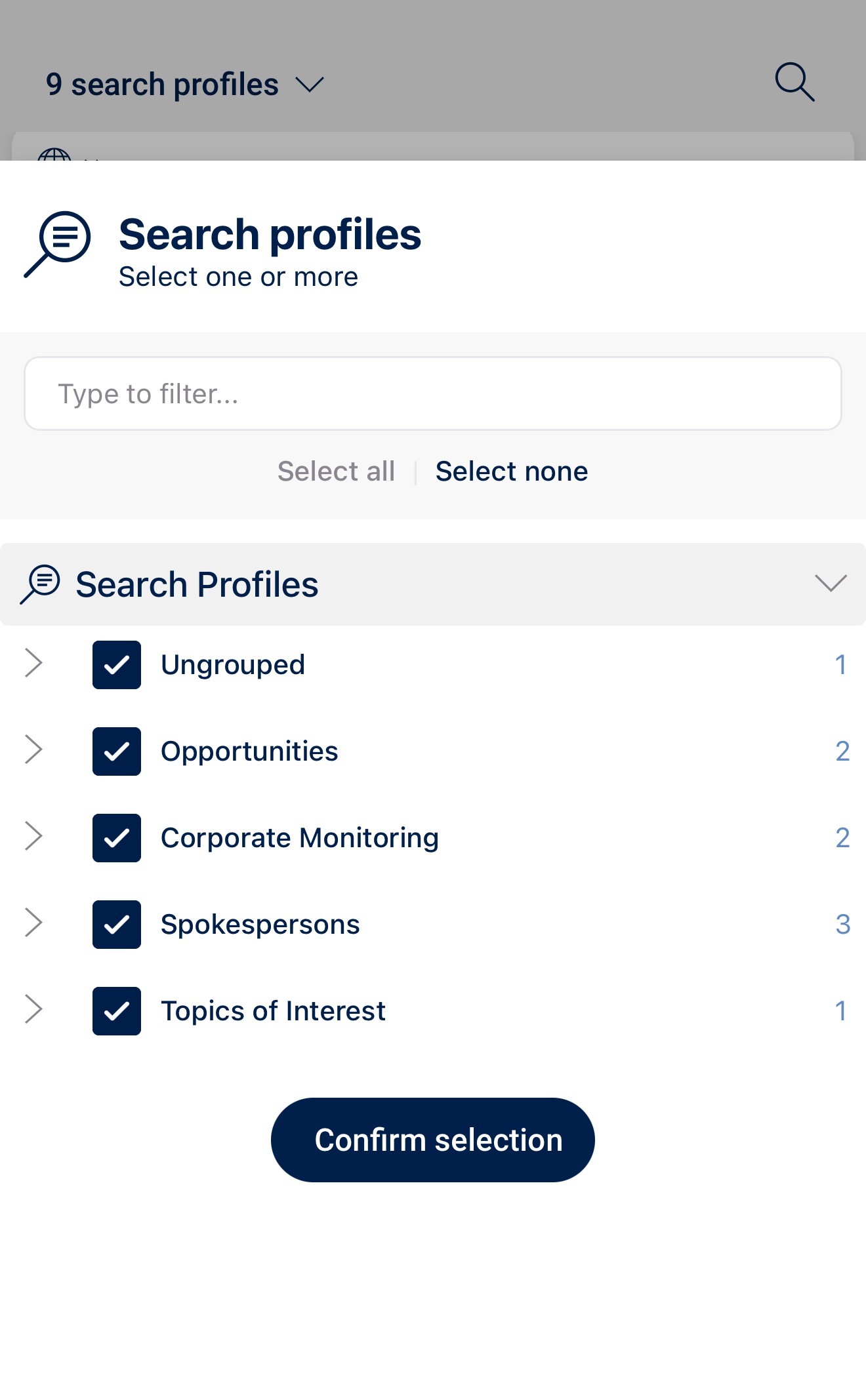
At the top of the screen, you can open the drop-down menu to choose which profiles you want to monitor:
Under the dark blue icon in the bottom right corner, you can narrow down your search criteria. These filters work in the same way in both the editorial and social media sections.
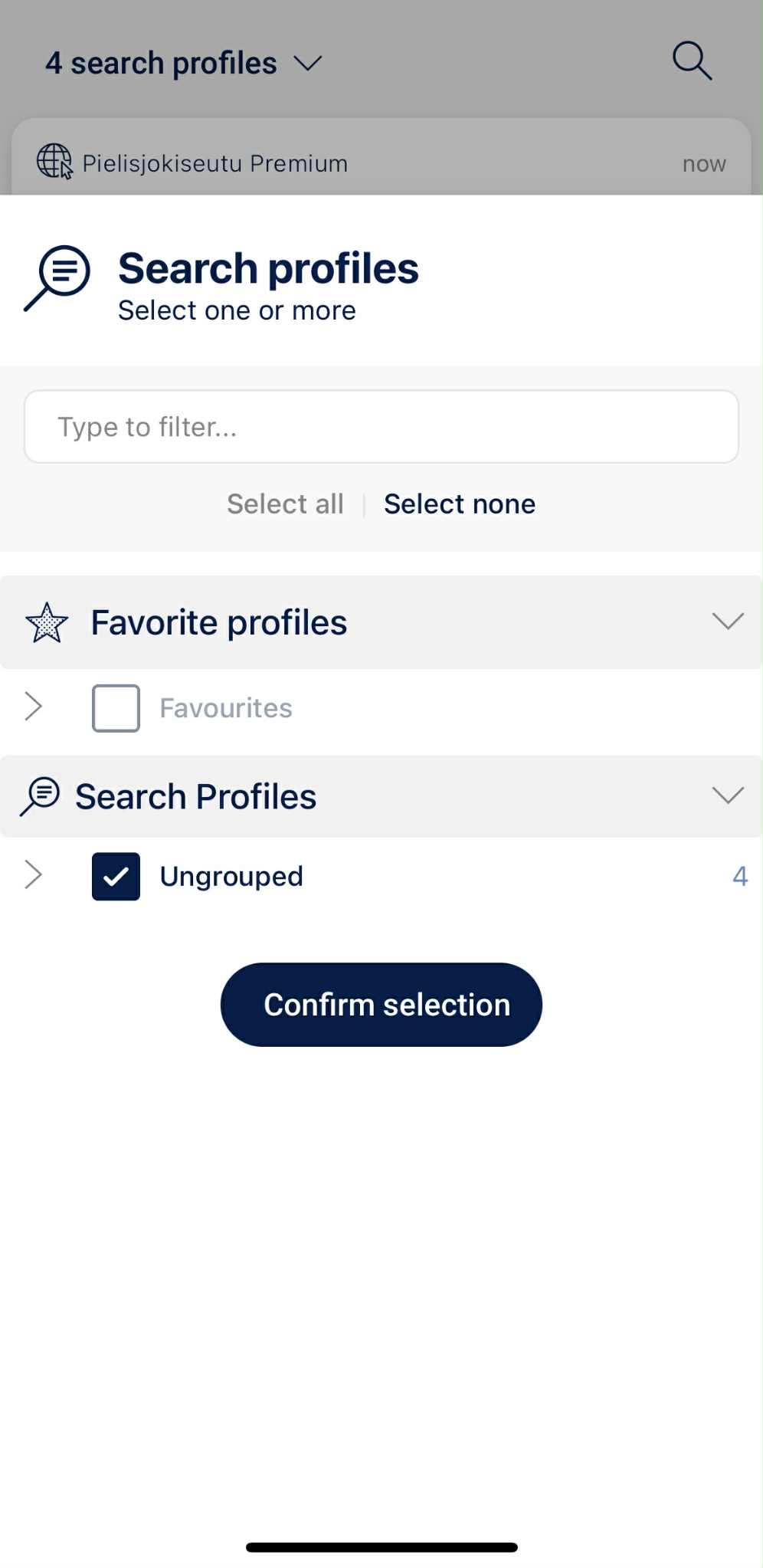
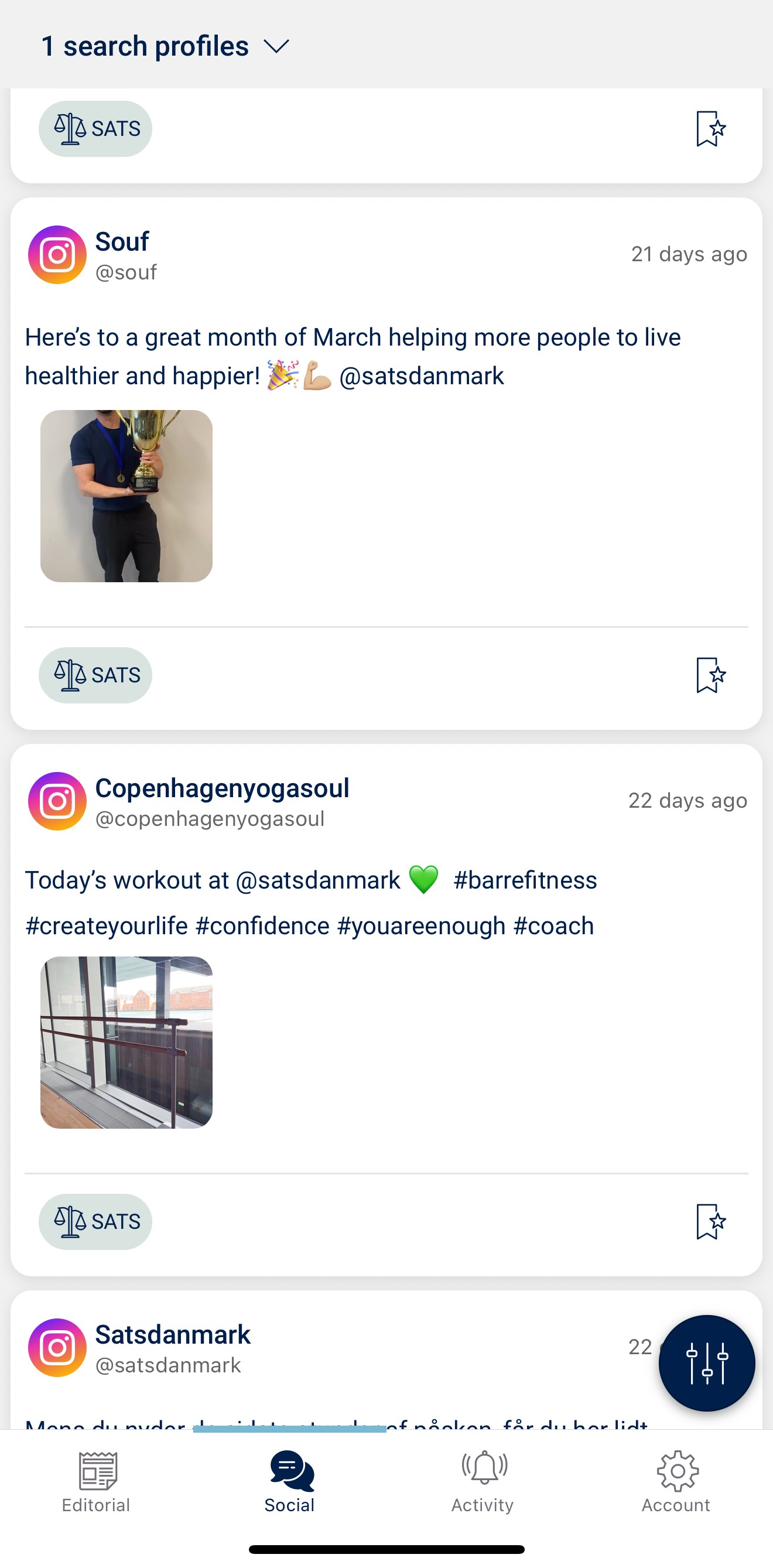
In social media monitoring, you will see a hit list of all mentions from your own profiles. The drop-down menu at the top works in the same way as in editorial media, allowing you to choose which profiles you want to monitor:
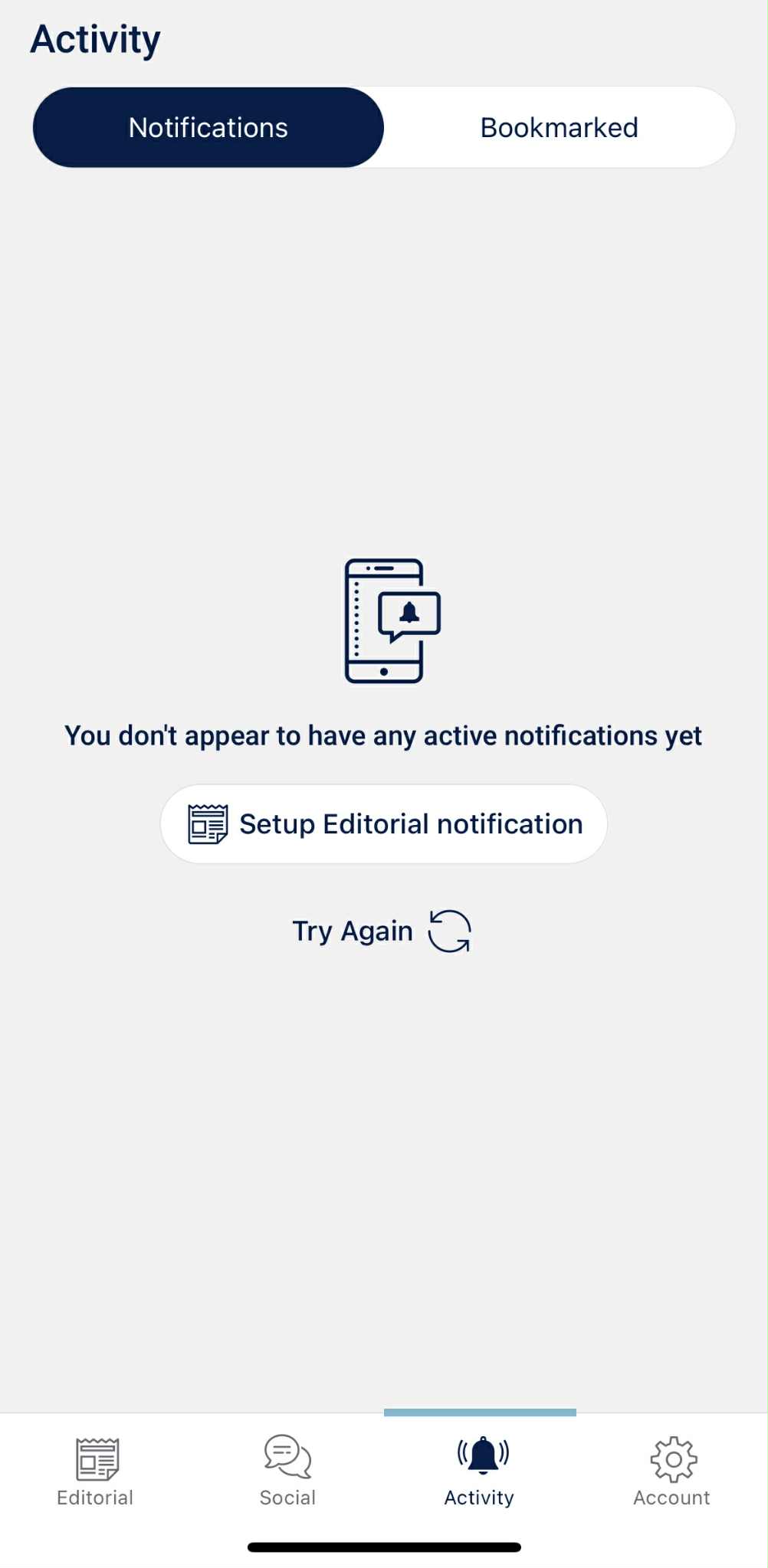
The Activity icon at the bottom of the screen allows you to create notifications for the themes or profiles you want to follow. You can also bookmark profiles or add them to your favourites.
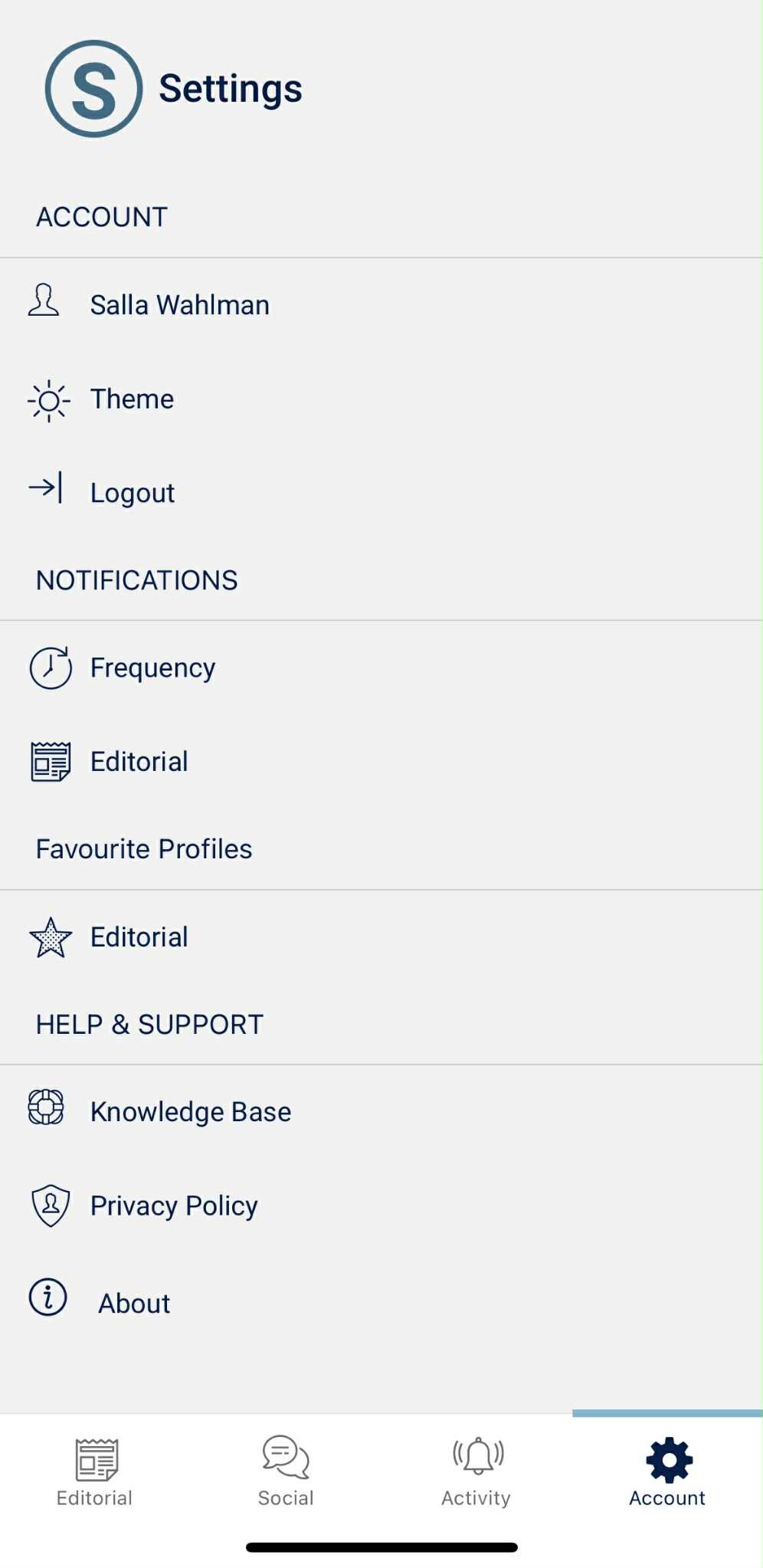
Under the Account icon, you can view your profile and edit your account settings. Here, you will also find a direct link to our Knowledge Base.
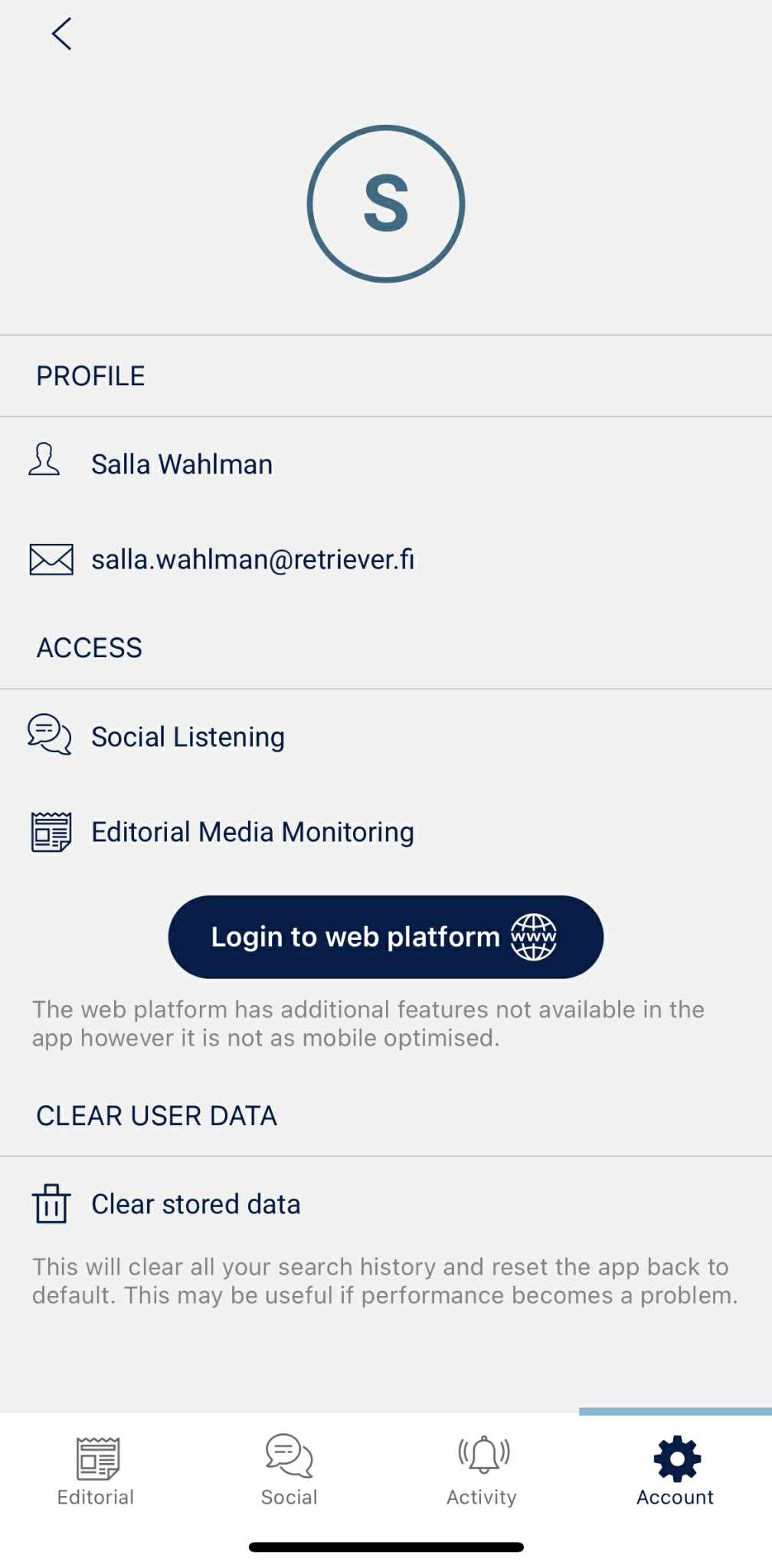
By clicking your name, a window will open where you can see which sections you have access to. From here, you can also use the link to log in directly to your portal and clear your saved settings.
If you have any questions about the mobile app, please contact your dedicated account manager or email your local support. We will be happy to help!