
Assign a message to a Team Member
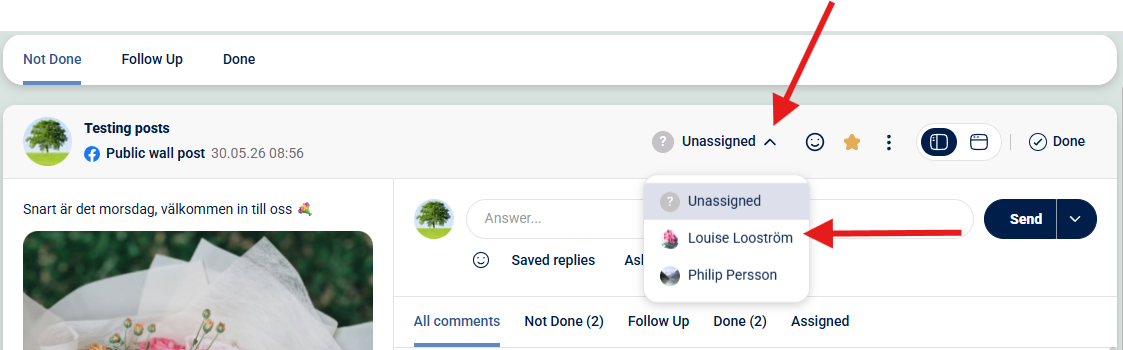
Click the menu label "unassigned" --> Choose the Team Member you want to assign
To assign a post or a comment, click the "assign" dropdown menu and choose a member.
Good to know:
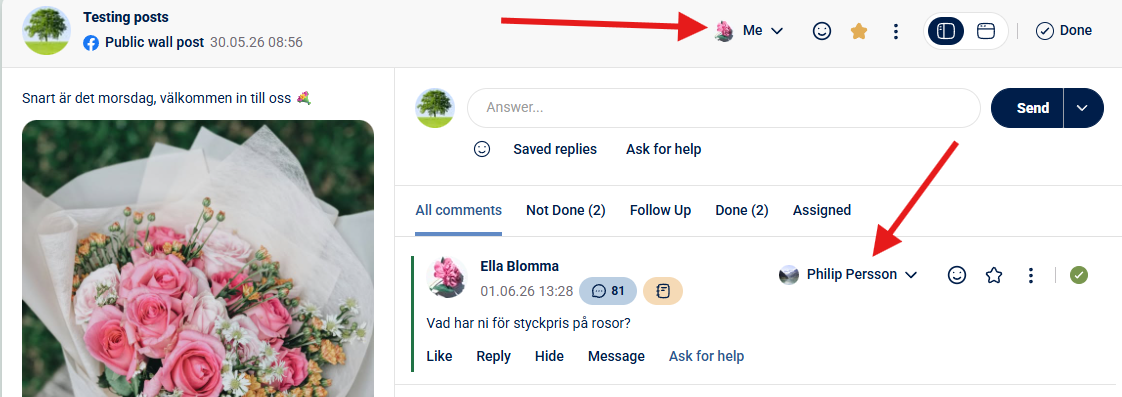
A post can be assigned to a specific team member, while individual comments within the post may be delegated to others.
OBS: The assigned member will be notified by email that a message has been assigned to them.