
Edit labels on your published posts
Add labels to your pages own posts from Publish
Step 1: Go to Publish and select a post, it does not have to be published, you can also edit scheduled post for example.
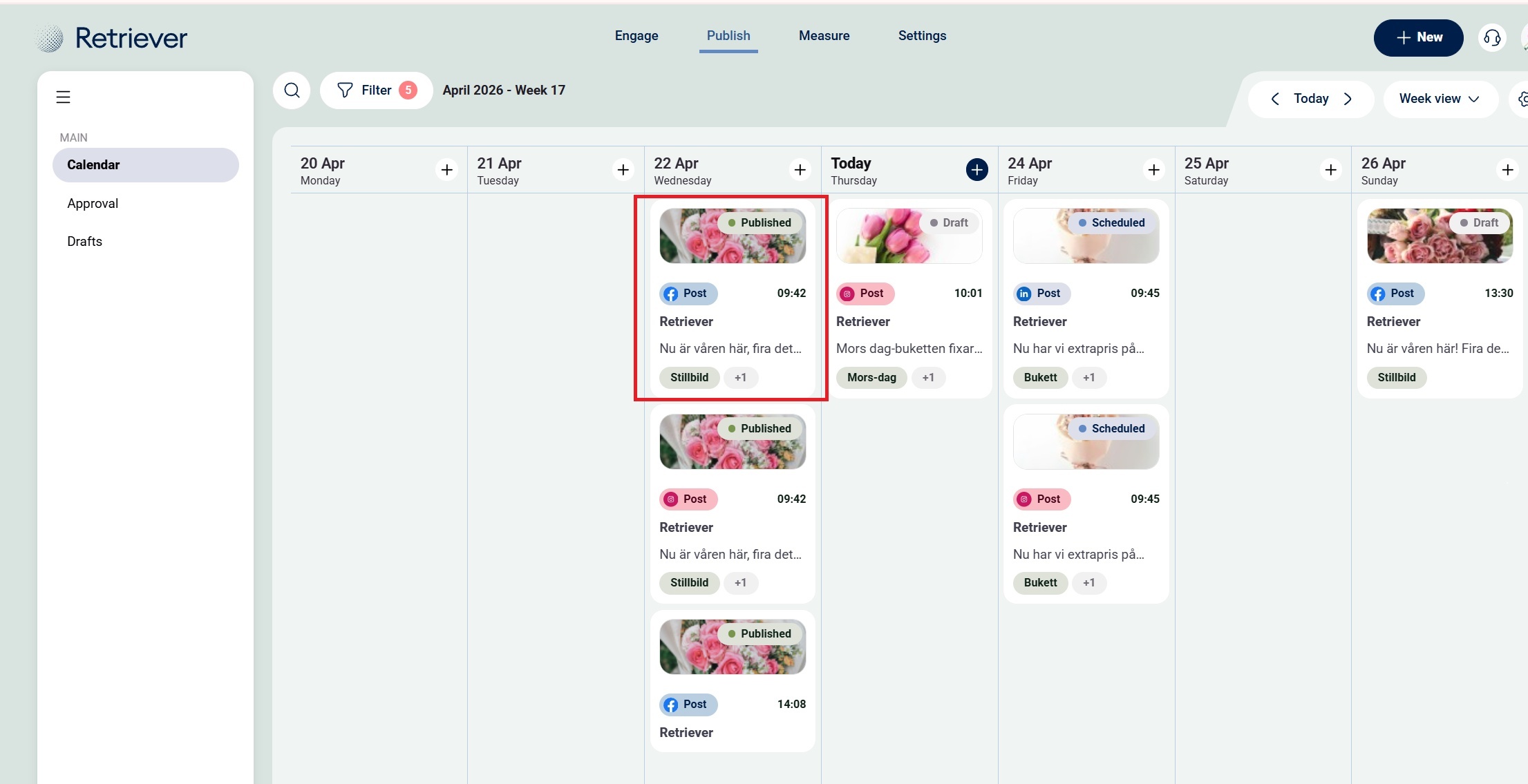
Step 2: View the labels you’ve already added—see the red mark.

Step 3: Add labels by searching for them in the dropdown. If you can’t find one, press Enter to create a new label.”

Step 4: Remove labels from your post by pressing the cross.
