
How to Approve/Reject a post
Go to Publish, Waiting for Approval, Approve/Reject post
Step 1: Access the Publish panel
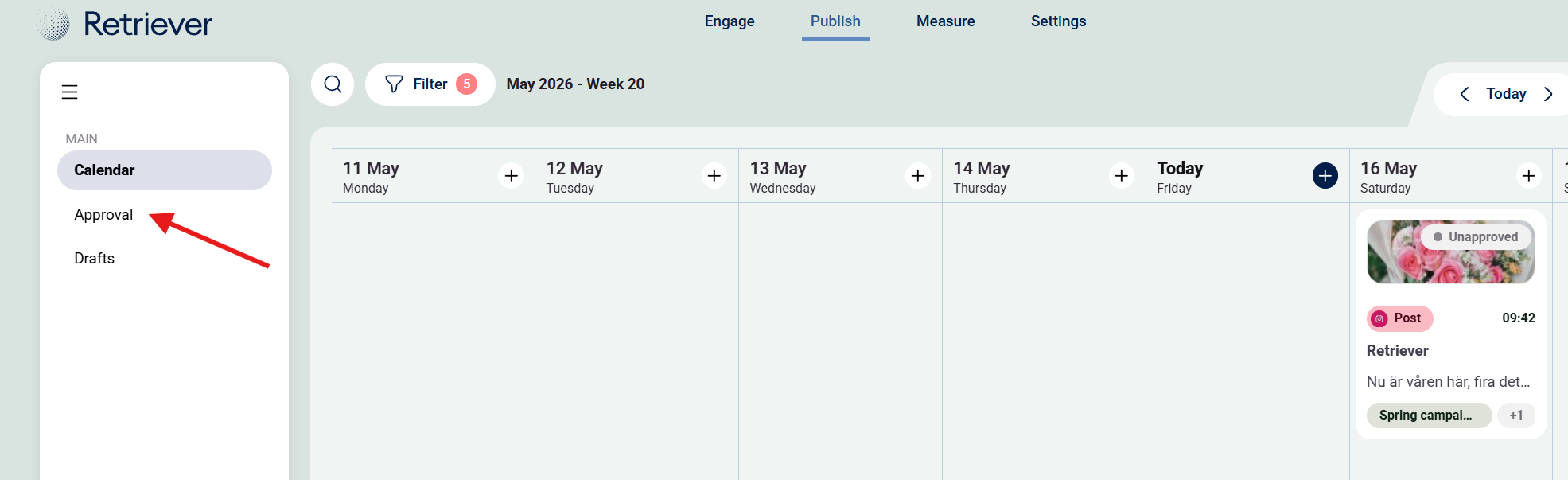
Step 2: Go to "Approval"
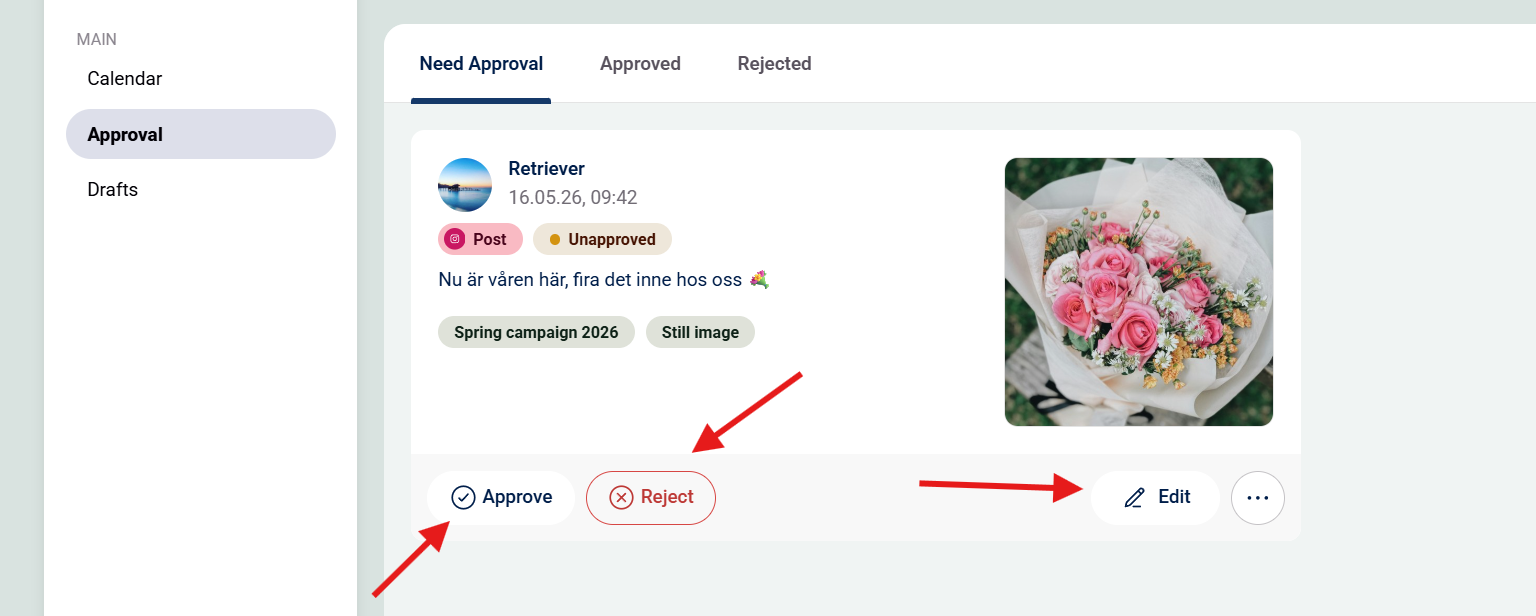
Step 3: Choose to "Approve", "Reject" or "Edit" the post.
Only if you have Publisher access you can edit the content.
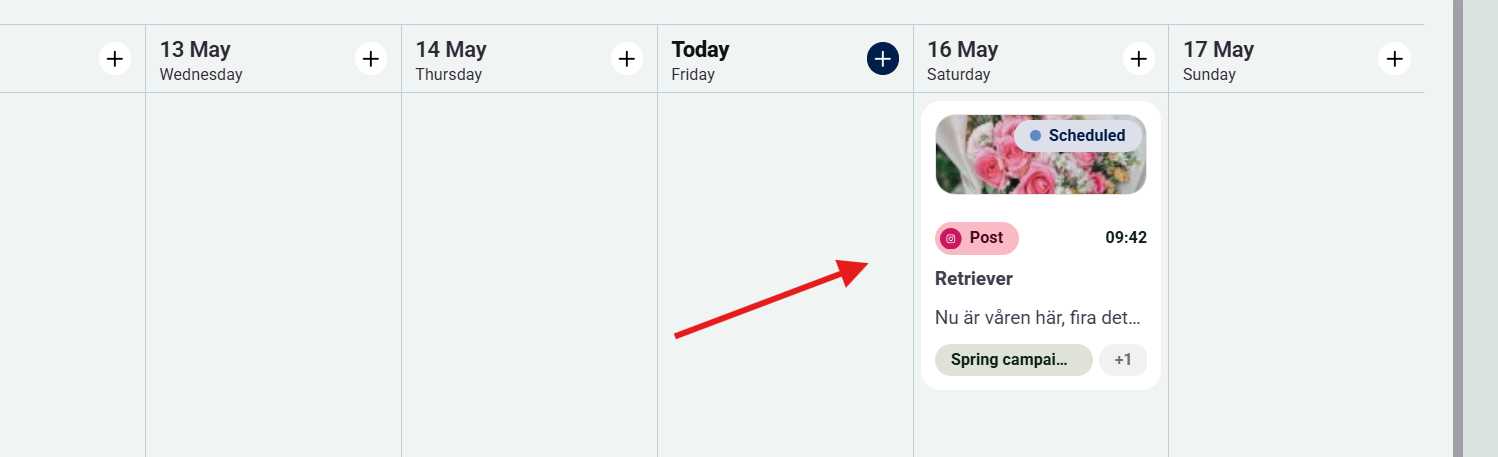
If Approved the post will be published as scheduled, see picture below.
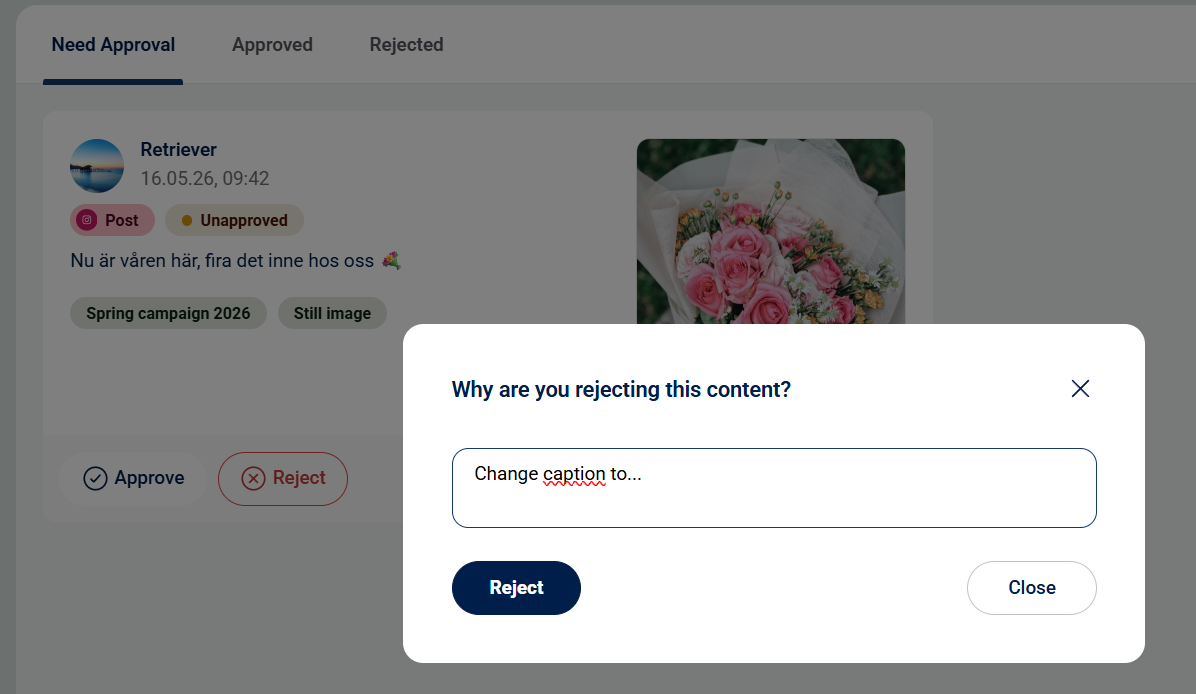
If Rejected write your reason for rejection --> Press Reject.
Obs: If the post is not approved before the scheduled publishing time it will automatically be rejected.