
TikTok account is "Disconnected"
Sometimes the connection to your accounts can be lost, this happens for security reasons and is not a bug.
When this happens, you may notice that you’re unable to reply to comments, publish content etc. But It is easy fixed, make sure one of your admins do the following steps:
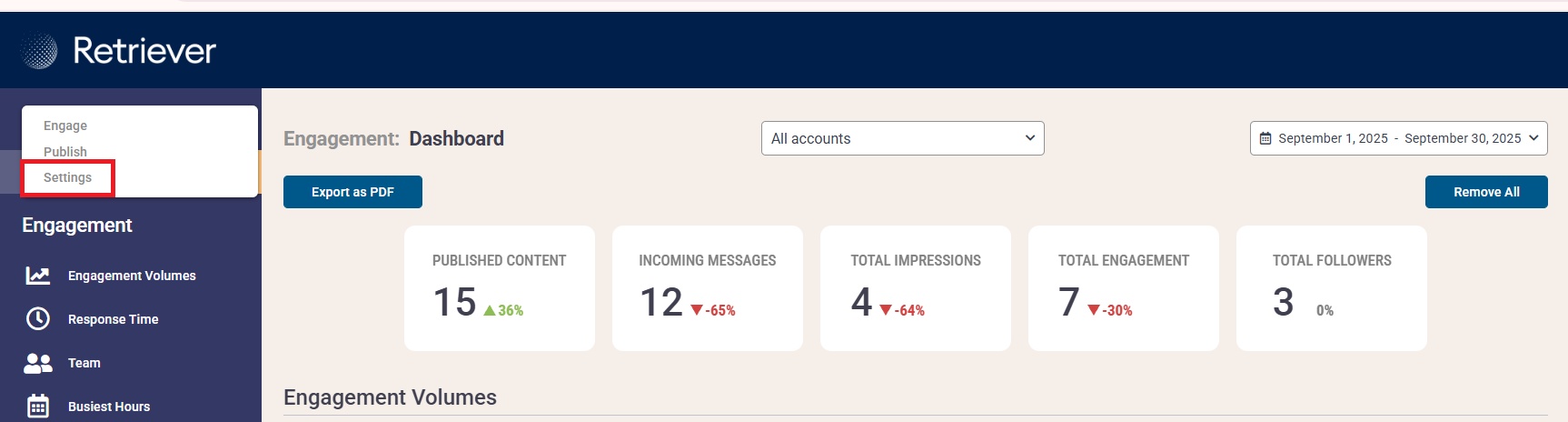
Step 1: Access the Settings panel
Step 2: Go to the Social Media Channels tab and then your TikTok account.
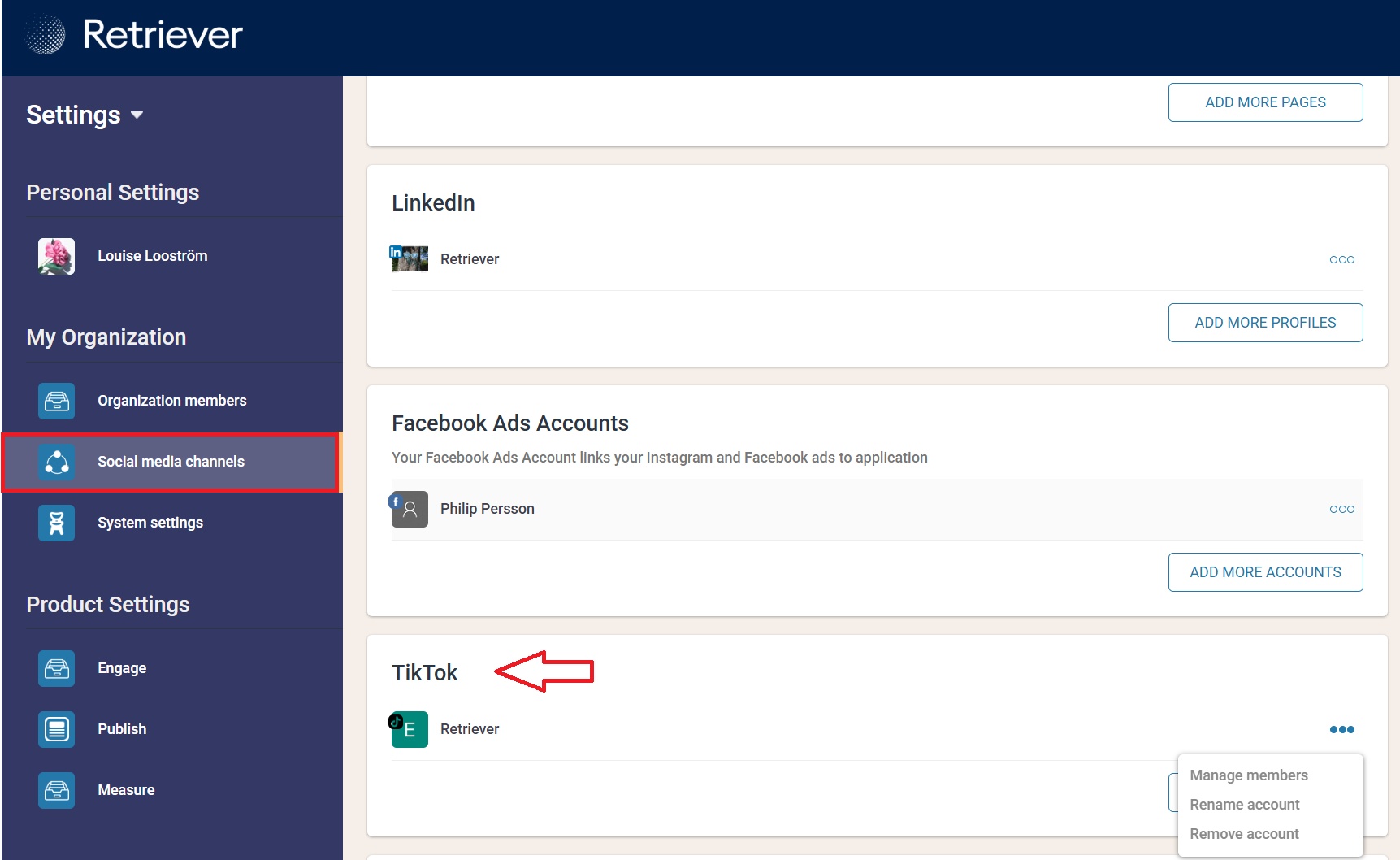
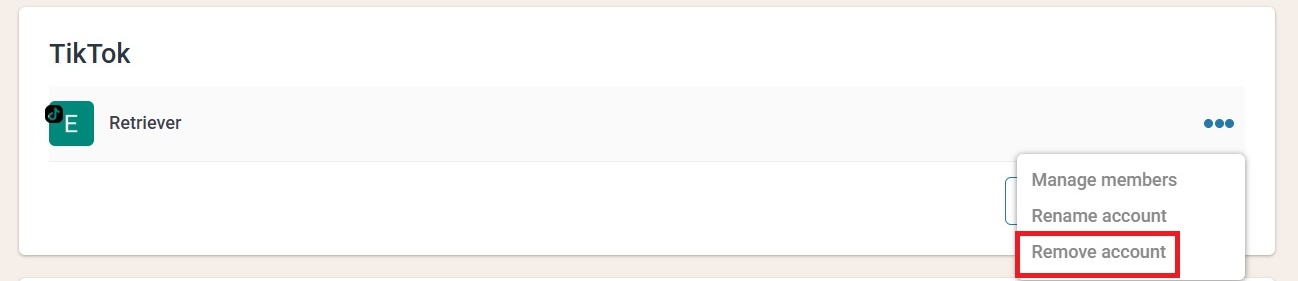
Step 3: When it comes to TikTok, it works a bit differently compared to the other platforms — you’ll need to remove the page and then add it again for the connection to be restored.
To remove the page you press on the three dots on the side of the account and then "Remove page"
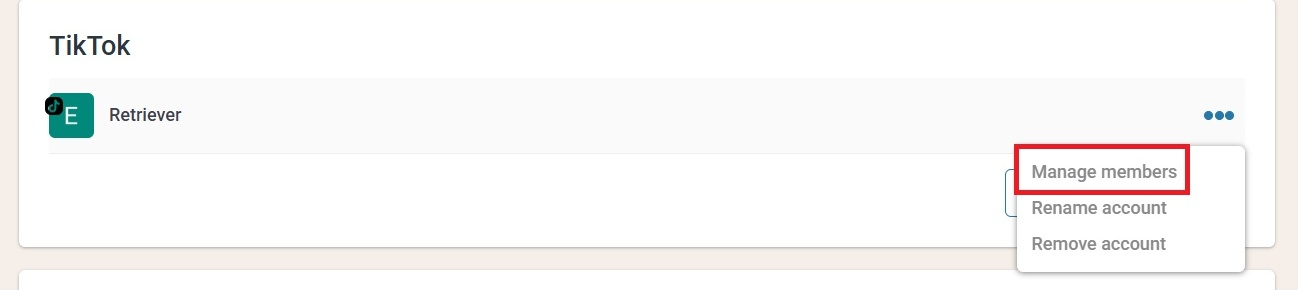
Step 4: After reconnecting, remember to check the account´s user permissions. Because you removed the account, you need to add the users permissions again.
This is easy fixed, press "Manage members" and adjust if the should have access to Engage, Publish etc.
Follow this guide if you feel lost:
https://retriever.productfruits.help/en/article/access-level-explanations-in-social-media-management