How to Edit Published Posts
Add labels to your pages own posts from Publish
It is possible to edit your Facebook posts after publishing, but due to API limitations it is not possible for the other platforms.
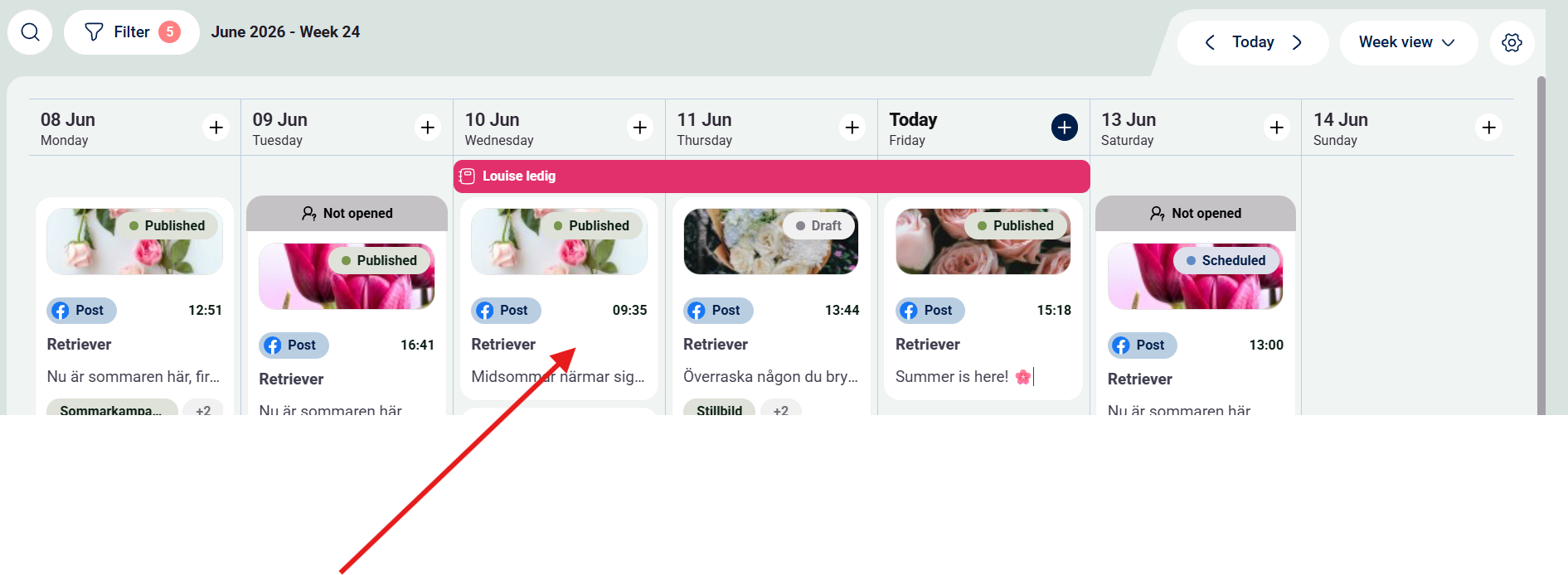
Step 1: Go to publish and click on a Facebook post
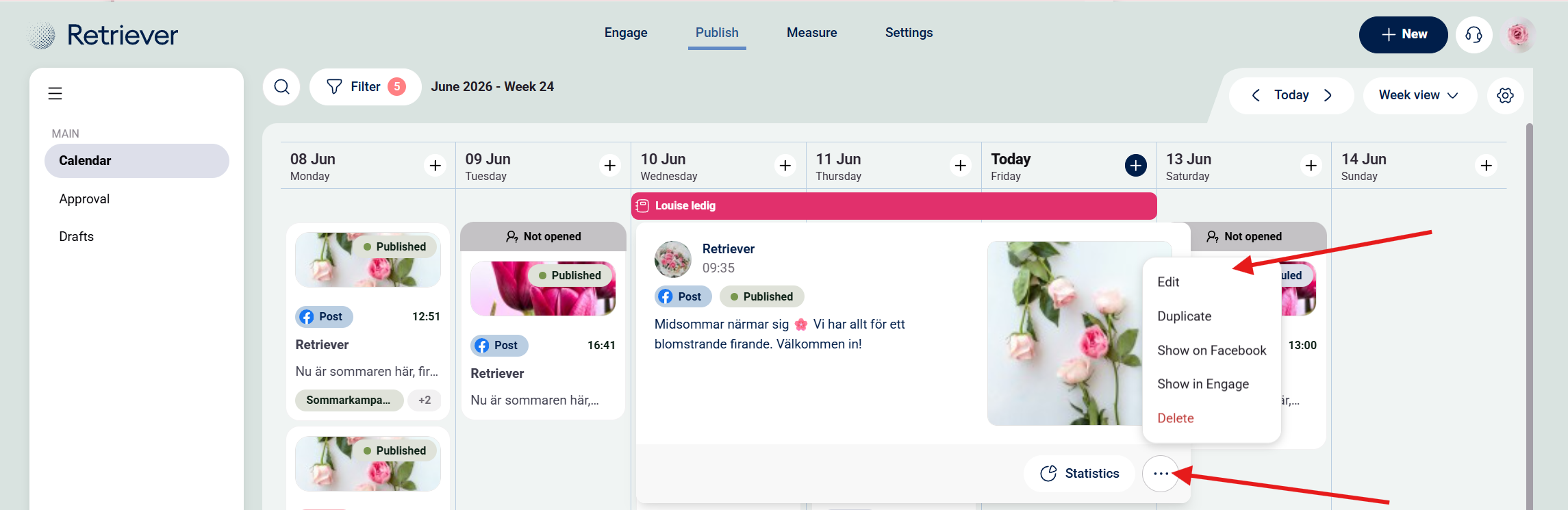
Step 2: Click on the three dots and then "Edit", see picture below.
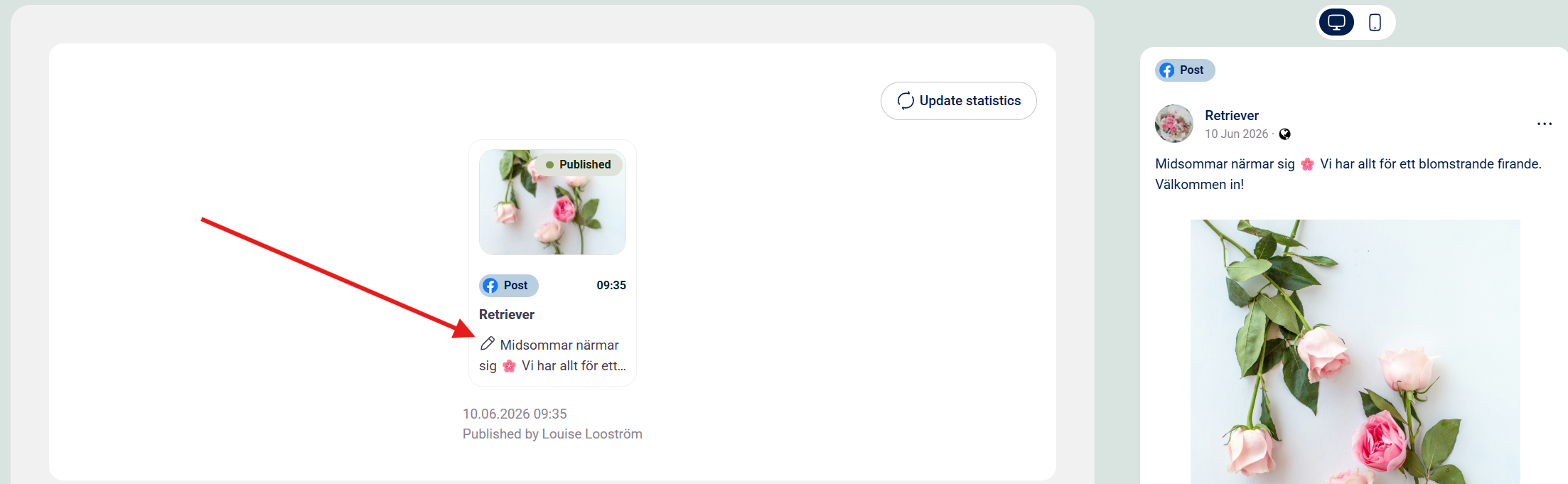
Step 3:Click on the pen icon and start to edit the caption.