
How to Use Labels & Sentiments
Click the "Label" or "Sentiment" icon, Add your label or sentiment
Adding a Label:
Step 1: Click the "⋮" button and then click "Add label"

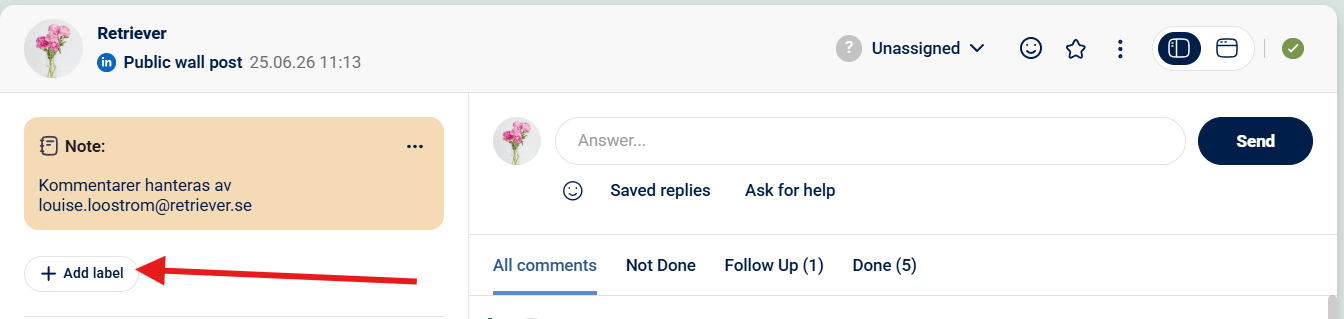
Step 2: Click on "+ Add label" and write the label you want to add
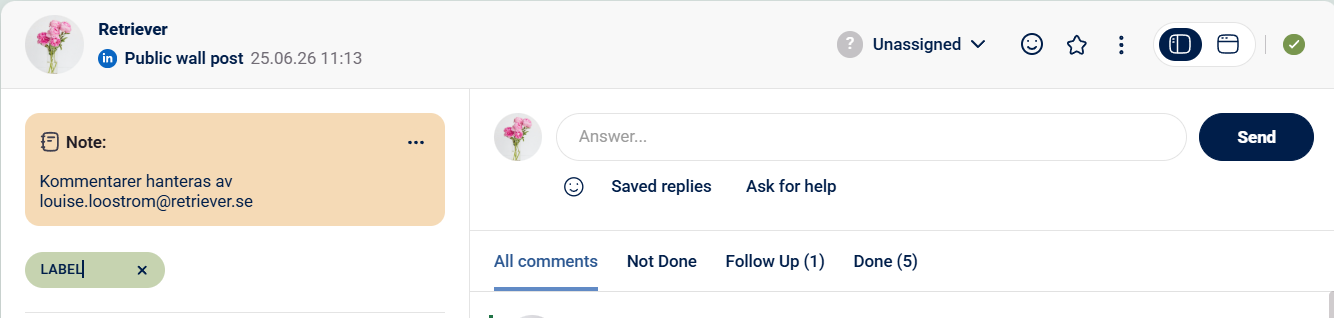
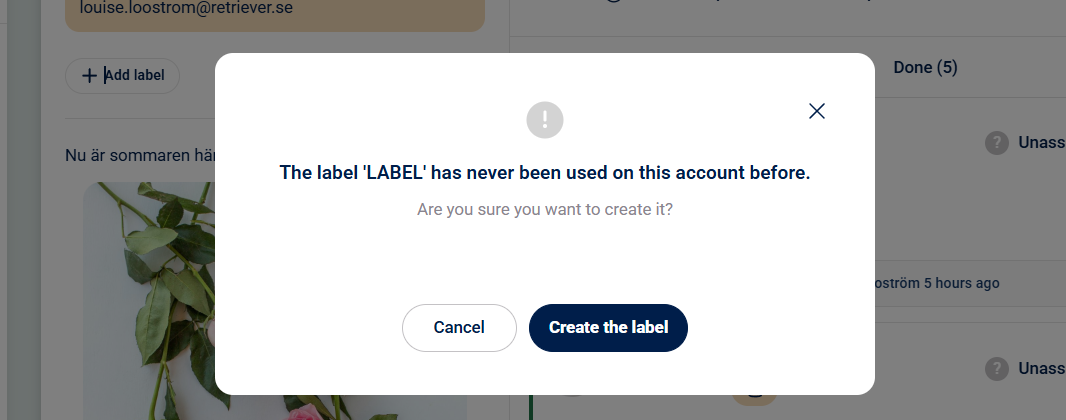
Step 3: If you are using a label for the first time you will be asked to "Create the label"
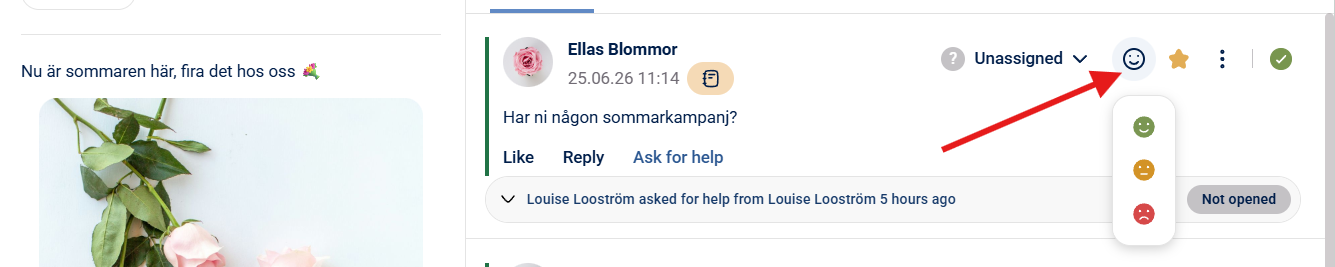
Adding Sentiment rating:
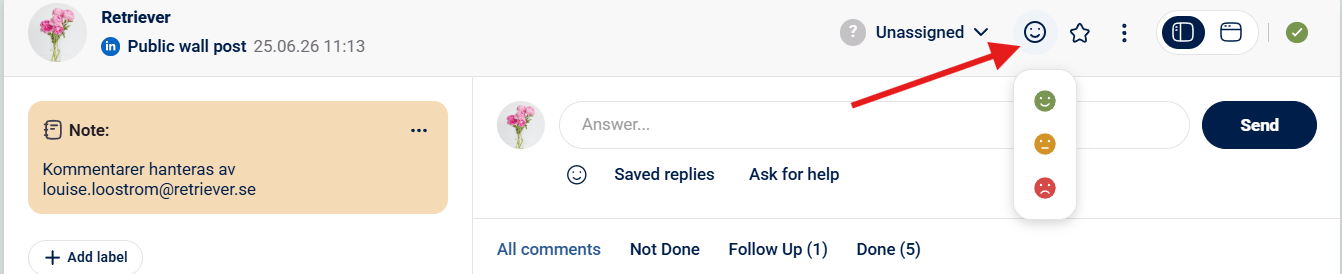
Step 1: Click the "Sentiment" button --> Choose between Positive, Neutral or Negative
This can be made both on post level and on comment level.
POST LEVEL
COMMENT LEVEL:
For a guide on how to follow up on engagement labels in Measure you can click here.