
Hiding Facebook & Instagram comments
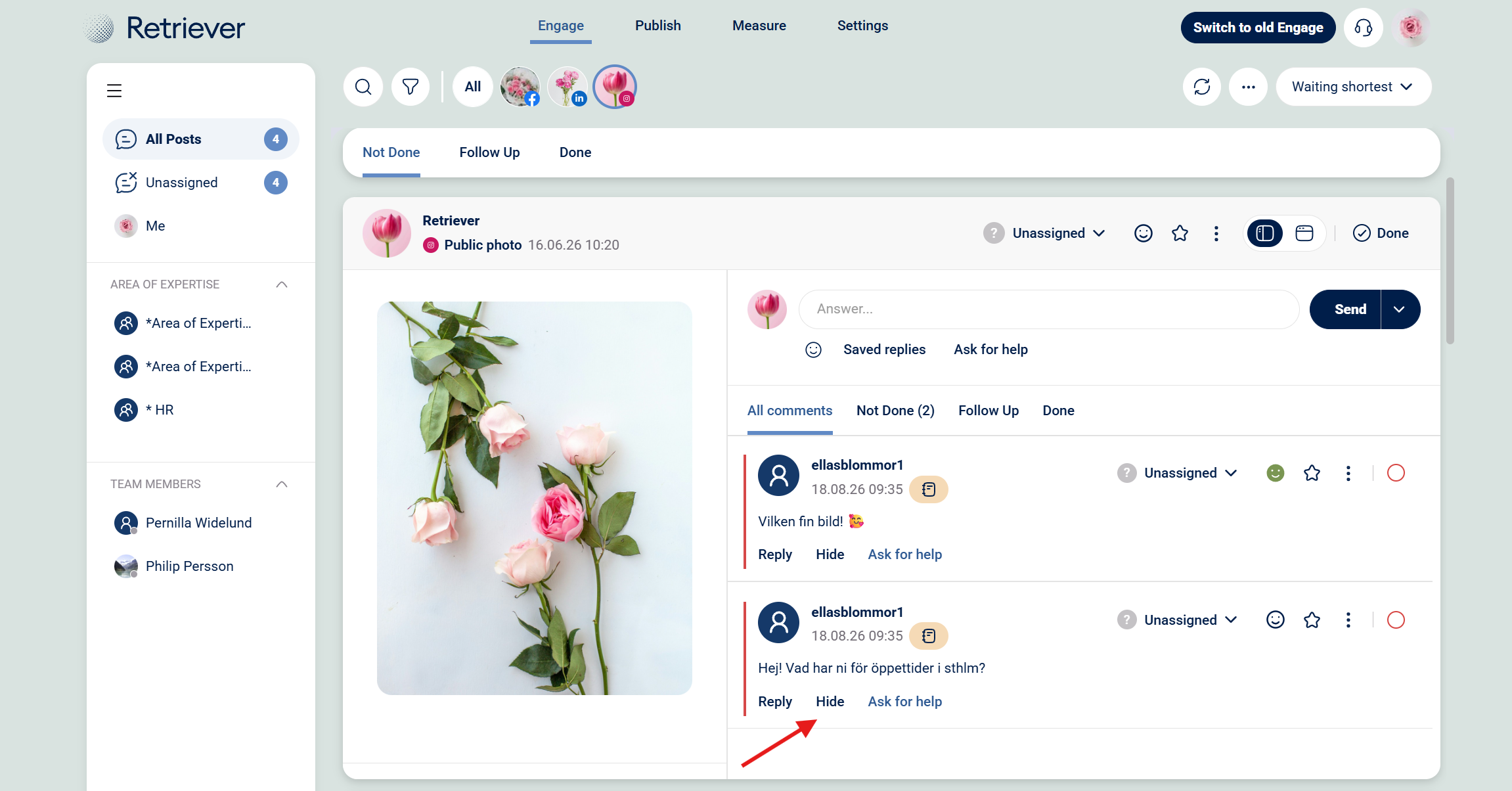
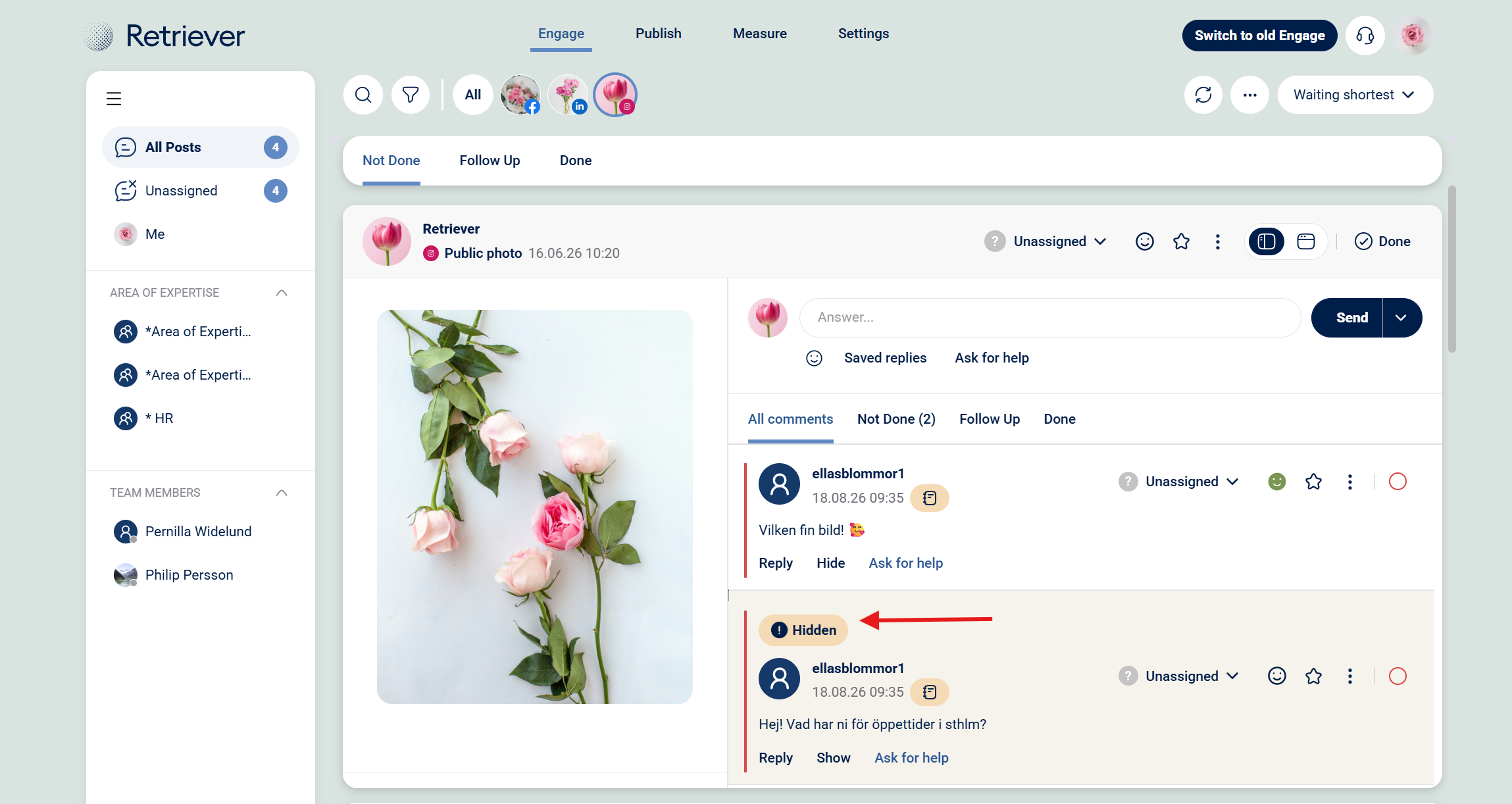
Click "Hide" on selected comment --> Comment will be marked as Hidden
How to hide comments
Step 1: Click on "Hide" under the comment you want to hide.
Step 2: When the comment is marked as "Hidden" you are done.
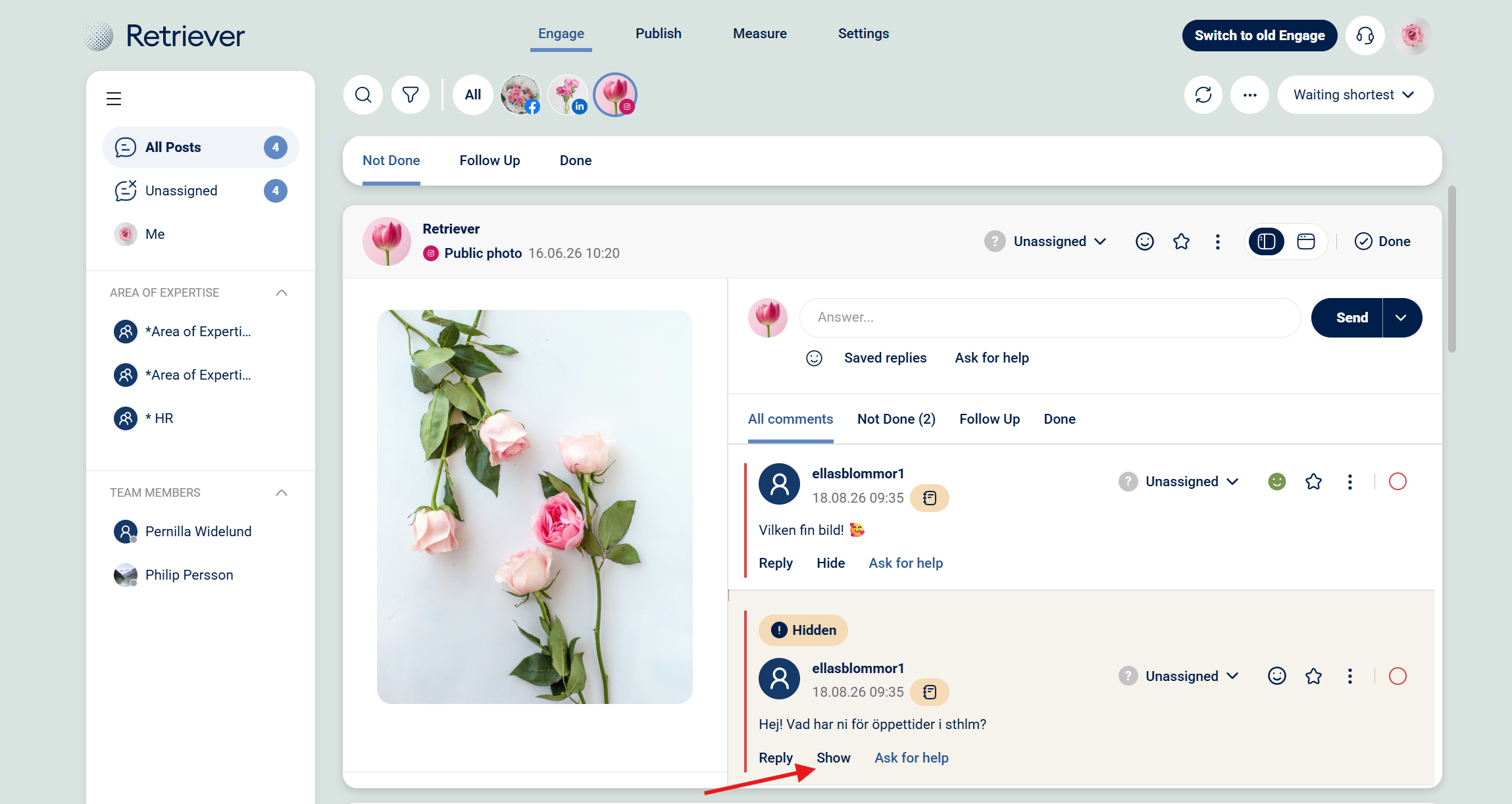
Step 3: To show a comment again, click "Show" under the comment.
Good to know:
On Facebook, a hidden comment can still be seen by the person who wrote it and their friends.
On Instagram, a hidden comment is generally only visible to the person who wrote it (and to you as the owner of the post).
Some comments can not be hidden
Facebook does not allow you to hide:
- Comments from your page
- Comments from people who are administrators of you page.